
.jpg)

How AI in construction is changing the way projects get built
AI in construction: the short answer
AI in construction refers to software that learns from a project's data, such as past estimates, schedules, site photos, and incident reports, and uses those patterns to make useful predictions on a current job. In practice, that means a tool can read a set of drawings and suggest a budget, watch a site camera and flag a missing hard hat, or look at a schedule and warn which task is most likely to slip.
It is not a single product. AI shows up across the whole project, from the first cost estimate through to managing the finished building, usually built into software a team already uses rather than as a separate system to learn.
What AI in construction actually does
Construction runs on repeated decisions made under time pressure. An estimator prices similar scopes again and again. A superintendent walks the same kinds of hazards every morning. A project manager watches the same dependencies threaten the same deadlines. AI tends to help most exactly where the work repeats and the data is plentiful, which is why estimating, scheduling, and safety have seen the earliest real use on sites.
The technology works by studying the records the industry already produces. Given enough past projects, a model learns what a similar job tended to cost, how long a task usually took, or what an unsafe condition looks like in a photo. It then applies that learning to the current project as a prediction or a flag. The output is a useful guess, not a certainty, so a person still checks it before acting.
The main types of AI used on construction projects
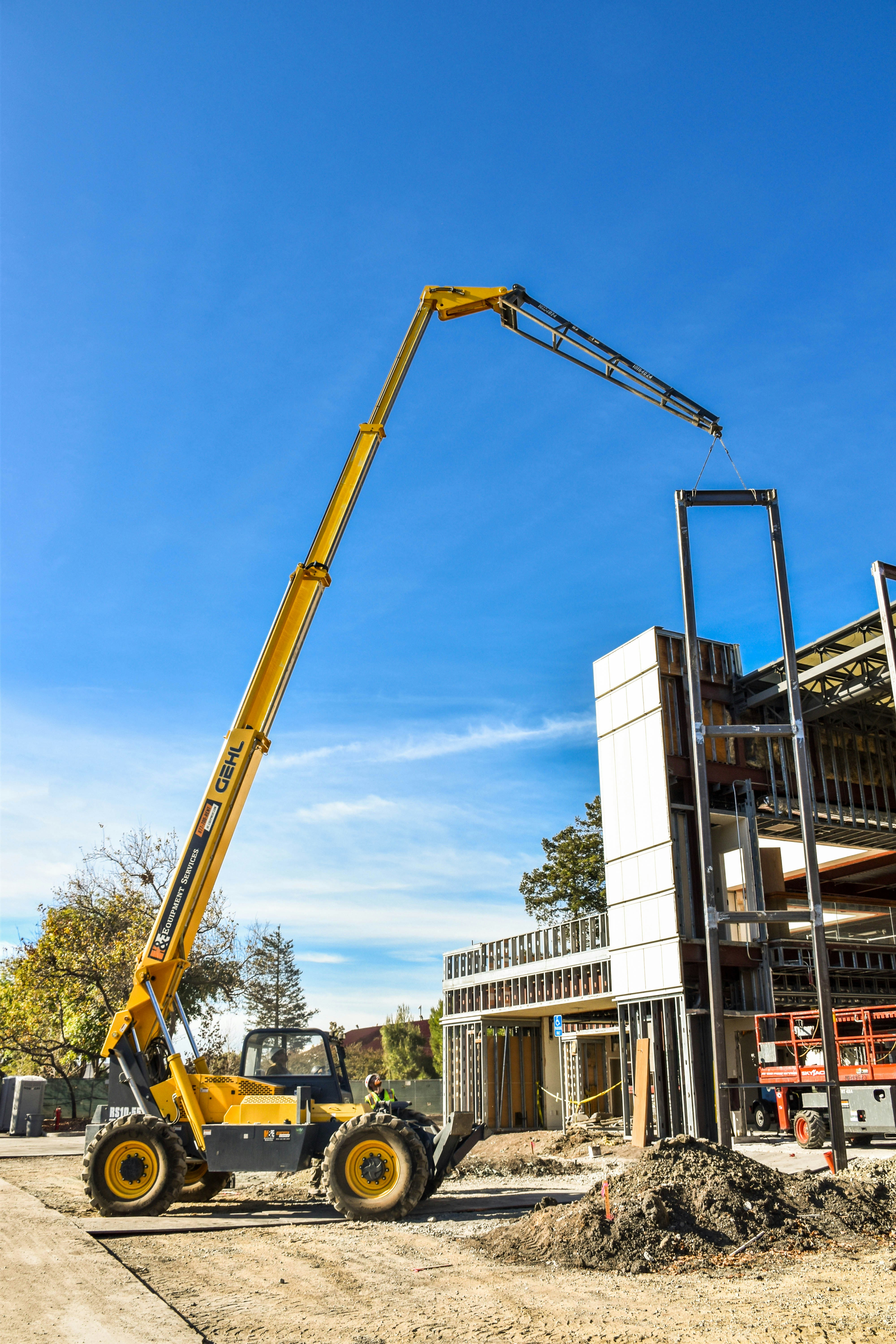
Four kinds of AI cover most of what shows up on a jobsite or in a construction office. Each one suits a different construction problem.
Machine Learning for estimating and scheduling
Machine learning studies past projects to predict outcomes on the current one. In estimating, it compares a new scope against many completed jobs to suggest quantities and costs. In scheduling, it looks at how similar projects ran and flags which activities are most likely to fall behind, so a project manager can shore them up before a delay spreads. It also drives predictive maintenance, spotting early signs of wear in cranes, excavators, or HVAC plant so a crew can fix a small fault before it stops the job.
Computer vision for site monitoring and safety
Computer vision reads images and video from a site. Cameras and phone photos feed a model trained to recognize what it is looking at: a worker without a hard hat, a person standing in a restricted zone, a delivery of rebar that has arrived, or how far a concrete pour has progressed. On safety, this gives a supervisor a near real-time alert instead of a report written after something has already gone wrong. On progress, it compares what the camera sees against the plan to show whether the build is keeping pace.
Natural language processing for contracts and documents
A single project can produce thousands of pages of contracts, specifications, submittals, requests for information, and daily logs. Natural language processing reads that text the way a search engine reads the web. It can pull the right clause out of a long subcontract, flag a specification conflict before it reaches the field, or answer a plain question such as what the liquidated damages rate is on a job, without someone hunting through a stack of PDFs.
Generative AI for early design and drafting
Generative AI produces a first draft from a prompt or a set of inputs. An architect can ask for several layout options that fit a site and a budget, then refine the most promising one. A project engineer can generate a draft of a routine letter or a meeting summary to edit rather than write from scratch. The output is a starting point that a person reviews and corrects, not a finished deliverable, but it removes the blank-page step that slows early work.
How AI is used across the project lifecycle
The same project moves through clear phases, and AI appears differently in each one.
Preconstruction and sstimating
In the earliest phase, AI estimating tools read drawings and produce takeoffs and budgets in a fraction of the time manual counting takes, which frees estimators to check assumptions rather than tally quantities. Design tools at this stage can also test many layout options quickly, helping a team and client understand what is feasible before committing money.
Planning and scheduling
Once a project is greenlit, scheduling tools weigh historical data to suggest realistic durations and warn which tasks carry the most risk of slipping. This helps a team build a schedule that reflects how similar jobs actually ran, not how the plan hopes they will, and to test different sequences before breaking ground.
Construction and site management
After a project breaks ground, site monitoring takes over. Computer vision tracks safety conditions and build progress, while supply chain tools watch for material delays that could stall the site. Since so much construction risk arrives from upstream suppliers, an early warning that a key delivery is at risk can be the difference between a smooth pour and an idle crew.
Operations and handover
The model and data built during a project do not have to stop at handover. The same records that guided construction can support the owner in managing the finished asset, planning maintenance, and informing future renovations, so the work captured during the build keeps paying off over the building's life.
Common AI construction tools
Most construction firms meet AI not as a standalone product but as a feature inside software they already run. The largest platforms have built it directly into the tools teams open every day.
Procore folds AI into its project management platform, using a project's daily logs, drawings, RFIs, and financial data to surface risk flags and automate routine tasks within workflows teams already use.
Autodesk Construction Cloud brings AI-enabled project controls and document management into a single environment, connecting drawings, schedules, and field workflows so insights draw on coordinated data rather than scattered files.
For scheduling specifically, ALICE Technologies uses AI to generate and compare many possible construction sequences, letting a team test build strategies and find a schedule that balances time, cost, and crew before committing to it.
Alongside these broad platforms, focused tools handle a single job such as estimating, safety monitoring, or supply chain tracking, then connect back to the main system.
Getting started with AI in construction
Adoption tends to begin narrow rather than all at once. Firms often apply AI to a single, well-defined task first, such as speeding up takeoffs, cutting rework on one trade, or monitoring safety on a busy site, where the value of the tool is easy to judge before it spreads to other parts of the business.
Data readiness usually shapes how much a firm can do. A model can only learn from records it can read, so firms that have kept consistent past estimates, schedules, and logs tend to have more to work with than those whose history sits in scattered spreadsheets and email threads. Tools built on general models can still help firms without that history, though their outputs may need closer checking at first.
Workflow fit matters as much as the technology. Software that forces a daily change in routine tends to see weaker adoption, while a tool that slots into an existing process tends to stick. Honest expectations about accuracy round out the picture, since AI outputs are predictions and suggestions that carry uncertainty, and decisions affecting cost, safety, or contracts still call for an experienced person to review them.
Conclusion
AI in construction is already in active use across project phases. It is already reading drawings to speed up estimates, testing thousands of schedule scenarios, watching sites for hazards, and keeping a project's paperwork usable. The technology tends to reward firms that approach it with clear goals, organized data, and a healthy respect for its limits, and it generally gives skilled people better information to work with rather than replacing their judgment. The firms seeing the most from it so far tend to share a pattern, applying AI to a single repeated problem, feeding it good data, and letting the results guide how far it spreads.
Frequently Asked Questions (FAQs)
What is AI in construction?
It is software that learns from a project's data, such as past estimates, schedules, site photos, and incident reports, and uses those patterns to make useful predictions on a current job, such as a cost estimate, a likely delay, or a safety hazard caught on camera. It usually appears as a feature inside construction software a team already uses.
What are the main types of AI used in construction?
The four most common are machine learning for estimating and scheduling, computer vision for site monitoring and safety, natural language processing for contracts and documents, and generative AI for early design options and drafting.
How is AI used for construction safety?
Cameras feed site images to a computer vision model trained to spot hazards such as a missing hard hat or a worker in a restricted zone, then alert a supervisor close to real time. Some tools also estimate when and where risk may be higher based on past incidents and site conditions, helping a manager add supervision before a high-risk task.
How are smaller contractors using AI in construction?
Smaller firms often apply AI to a single task first, such as faster takeoffs or safety monitoring on one site, where its value is easy to judge. Many AI features now come built into estimating and project management software firms already use, which lowers the barrier to entry without a large data history.
Does AI replace construction workers or managers?
In most current uses, AI supports decisions rather than replacing people. The outputs carry uncertainty, so an experienced person should review them, particularly for choices that affect cost, safety, or contracts.
What data does a firm need before adopting AI tools?
Organized and consistent project records, such as past estimates, schedules, and daily logs, tend to be the most useful starting point, since a model learns from what it is given. Firms without that history can still use tools built on general models, though the outputs may need closer checking at first.